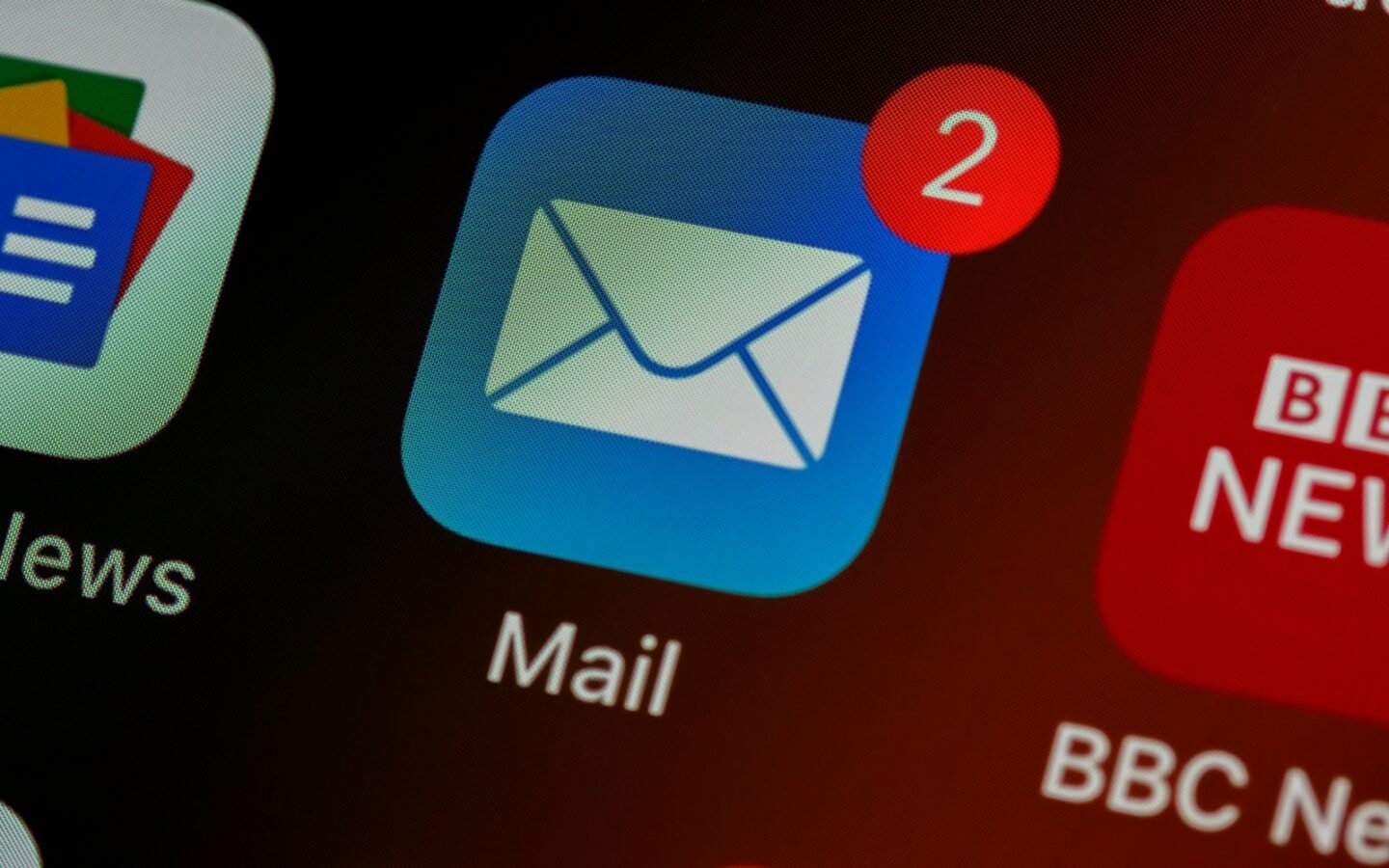
Android does not have one spam folder for the whole phone. Each app keeps its own. Spam email is inside your email app, such as Gmail, and spam texts are inside your messaging app, such as Google Messages or Samsung Messages. Start with the app where you expected the message to arrive.
| You are looking for | App | Where the spam folder is |
|---|---|---|
| A missing email | Gmail | Menu (top left) > Spam |
| A missing text or verification code | Google Messages | Profile photo or icon > Spam & blocked |
| A missing text on a Galaxy phone | Samsung Messages | More options > Settings > Block numbers and spam > Blocked messages |
App menus change between versions, so a label may be worded slightly differently on your phone.
This guide is part of DeviceGod’s Android how-to guides.
How to find the spam folder in the Gmail app
- Open the Gmail app.
- Tap Menu. It is the three lines at the top left.
- Scroll down and tap Spam. It sits below Sent and Drafts, so you may need to scroll.
- Open the email you want to keep.
- Tap More at the top right, then Report not spam. The email moves back to your inbox.
Check the folder soon if you are expecting something. Emails stay in Spam for 30 days and are then permanently deleted.
If you use more than one Gmail account, each one has its own Spam folder. Tap your profile picture at the top right to switch accounts, then open the menu again.
Spam and junk folders in other email apps
Other mail apps use the same idea under a different name. Outlook calls the folder Junk Email.
| App | Where to look | How to rescue an email |
|---|---|---|
| Outlook | Open the folder list, then Junk Email | Select the message, tap More options, then Move to Inbox |
| Yahoo Mail | Open the folder menu and select Spam. In the new Yahoo Mail, tap the More options icon, then Spam. Labels vary by app version | Select the email, then Not spam |
| Samsung Email | Tap the three lines at the top left, then Spam | Open the three-dot menu, then Remove from Spam |
The Samsung Email row may not match every version of the app.
Spam filtering usually happens at the email provider, although mail apps may also apply their own filtering or folder rules. If you read a Yahoo or Outlook account inside the Gmail app, look in that account’s own Spam or Junk folder.
How to find spam text messages
Texts never go to an email spam folder. Your messaging app holds them, and which app you have depends on the phone. Many Galaxy phones now use Google Messages, so check the app’s name before following the steps. If you also use an iPhone, see our guide to the iPhone spam text folder.
Google Messages
Open Google Messages and tap your profile photo or icon at the top right. Tap Spam & blocked. On some versions it is under More options first. This folder holds messages Google’s spam protection flagged, plus conversations you blocked or reported yourself.
To get a conversation back, select it in the list and tap Unblock. This removes the spam report and returns the conversation to the home screen. If the app shows a spam warning on a message that is fine, tap Report not spam.
Samsung Messages
Open Samsung Messages, tap More options (the three dots), then Settings, then Block numbers and spam. This is where you view blocked numbers and messages. Tap Blocked messages to read what was held back. To receive texts from a sender again, remove the number from Block numbers.
Some Galaxy phones also have a Block phrases option in the same menu. A text containing one of those phrases is treated as blocked, whoever sent it.
Why can’t I find my spam folder?
The folder is rarely gone. One of these is usually the reason:
- You are in the wrong app. Email spam and text spam live in different apps. A missing text will not be in Gmail.
- The folder list is collapsed. In Gmail, Spam is far down the menu. In Yahoo Mail, it can sit behind the More options icon.
- You are in the wrong account. Each email account has its own folder. Switch accounts and look again.
- The folder list is not fully open. In Samsung Email, expand the folder list and check the available folders. The layout may differ by app version.
- Your phone uses a different messaging app. The steps for Samsung Messages do not apply to Google Messages on a Samsung phone.
If you still cannot see it, sign in to your email on the web in a browser. If the Spam folder is there, the account is fine and the problem is in the app.
Where are spam settings on an Android phone?
They are inside each app as well. In Google Messages, tap your profile photo, open the Messages settings and look for Spam protection. In Samsung Messages, the settings are under Block numbers and spam. Gmail has no on/off switch for its spam filter. You train it by reporting spam and by using Report not spam on good mail.
Missing a verification code or an important email?
One-time codes from banks and delivery services are a common casualty, because they come from short or unfamiliar numbers.
- Check Spam & blocked or Blocked messages first, then ask the service to resend the code.
- Unblock the sender so the next message arrives normally.
- For email, use Report not spam and add the sender to your contacts. Both help keep valid emails out of Spam.
- Check whether you blocked the sender. In Gmail, mail from a blocked sender keeps going to Spam even after you move it out, so unblock the sender first, then use Report not spam on their messages.
Stay safe when you open spam
Much of what lands in spam is there for a good reason. Do not tap links, open attachments or reply unless you recognize the sender and were expecting the message. Yahoo’s advice is not to interact with mail in the Spam folder at all. Move a message out only when you are sure it is genuine.
Related guides
- How to enable the camera on an Android phone
- How to change call volume settings on Android
- How to change your ringtone to a song on Android
Frequently asked questions
Why has my spam folder disappeared?
It is usually hidden, not deleted. Scroll the full folder list, check that you are in the right account, and confirm you are in the right app for email or texts.
Where does spam go when you delete it?
What happens after deletion depends on the app and service. Some services keep deleted messages recoverable for a short time. In Gmail, Empty spam now permanently deletes the messages, and anything left in Spam is deleted automatically after 30 days. Do not count on recovering a deleted spam message. A message that is still in Spam can be moved back.
Where can I find spam messages on my phone?
For texts, open your messaging app. In Google Messages go to Spam & blocked. In Samsung Messages go to Settings, Block numbers and spam, Blocked messages.
Is the junk folder the same as the spam folder?
Yes. Outlook uses the name Junk Email, while Gmail and Yahoo Mail use Spam. Both hold mail the service thinks is unwanted.
Conclusion
There is no single spam folder on Android, so the fix is to look in the right app. For email, open the menu in Gmail and tap Spam, or open Junk Email in Outlook. For texts, open Spam & blocked in Google Messages or Blocked messages in Samsung Messages. Move anything genuine back out quickly, because email services clear spam on a schedule, and leave the rest alone.