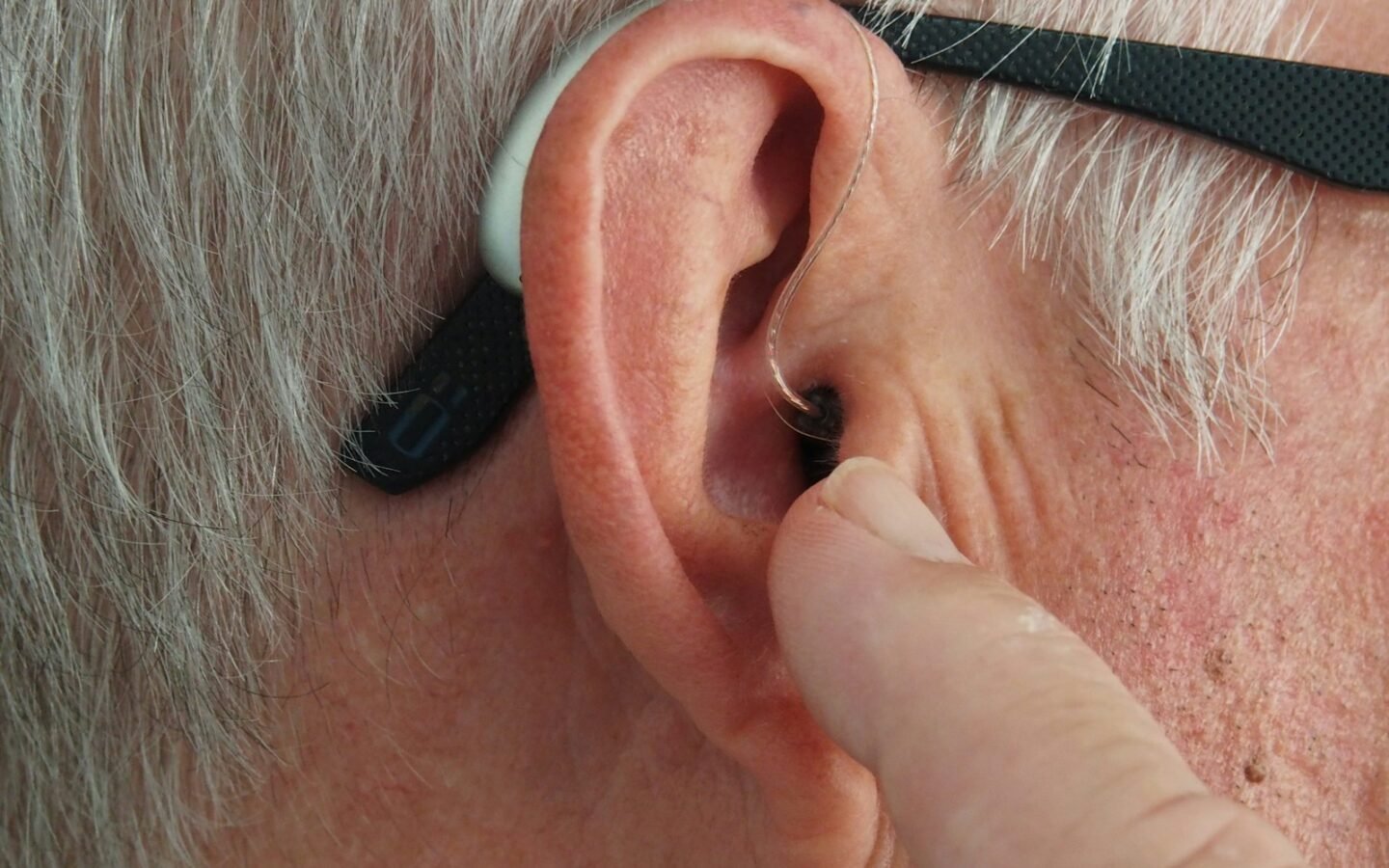
To put Oticon hearing aids in pairing mode, turn them off and back on. Hearing aids with disposable batteries restart when you open and close the battery drawer. Rechargeable models restart when you hold the lower button for a few seconds to switch off and press it again to switch on, or when you place them in the charger and take them out. After the restart they stay in pairing mode for about three minutes, which is your window to connect a phone, tablet or accessory.
The steps below follow Oticon’s own support pages for pairing with iPhone, pairing with Android and connection problems, checked on November 27, 2026. Button layouts differ between Oticon models, so if your hearing aids do not match the description here, use the instructions for use that came with them or ask your hearing care professional.
This guide is part of DeviceGod’s Bluetooth pairing guides.
How to put Oticon hearing aids in pairing mode
Oticon hearing aids have no separate pairing button. A restart is what makes them discoverable.
- Turn the hearing aids off. On models with disposable batteries, open the battery drawer. On rechargeable models, press and hold the lower part of the button on each hearing aid for about three seconds, until it switches off.
- Turn them back on. Close the battery drawer, or press the lower button on a rechargeable model again. Oticon’s guides give two to three seconds for this press, and the exact timing can vary by model. You can also seat rechargeable hearing aids in the charger and lift them out again.
- Keep them close to the device you want to pair. Oticon’s Android guide says within 20 cm, about 8 inches.
- Start pairing on the phone or accessory straight away. Pairing mode lasts about three minutes. If the time runs out, restart the hearing aids again.
Pairing mode at a glance
| Hearing aid type | Turn off | Turn on (starts pairing mode) |
|---|---|---|
| Disposable battery | Open the battery drawer | Close the battery drawer |
| Rechargeable | Hold the lower button about 3 seconds | Press the lower button again for 2 to 3 seconds |
| Rechargeable, using the charger | Place in the charger | Take out of the charger |
In every case, pairing mode stays active for about three minutes after the hearing aids switch on.
Pair Oticon hearing aids with an iPhone or iPad
Oticon hearing aids with Bluetooth are Made for iPhone devices, so you pair them in the iPhone’s accessibility settings, not in the normal Bluetooth list.
- Open Settings and make sure Bluetooth is on.
- Restart both hearing aids so they enter pairing mode, and keep them next to the iPhone.
- Go to Settings, then Accessibility, then Hearing Devices. The hearing aids appear under MFi Hearing Devices.
- Tap the name of your hearing aids.
- Tap Pair on the request that appears. With two hearing aids you get two requests, one for each ear.
- Wait for pairing to finish. Oticon says it can take up to a minute. It is done when each hearing aid is listed under MFi Hearing Devices.
After pairing, you can install the Oticon Companion app to change programs and volume from the phone. The app is optional for the Bluetooth connection on iPhone.
Pair Oticon hearing aids with an Android phone
On Android, Oticon tells you to pair through the Oticon Companion app.
- Turn on Bluetooth in the phone’s Settings.
- Install and open the Oticon Companion app from Google Play. It starts searching for hearing aids. Tap Pair Now if you see it.
- Restart both hearing aids and hold them close to the phone.
- Select your hearing aids when the app finds them, and confirm the left and right devices.
- Allow the pairing request if Android shows one, then tap Continue when the hearing aids are connected.
Pairing in the app lets you control the hearing aids. Streaming calls and music directly is a separate matter: Oticon says the Android device must support Bluetooth LE Audio or Audio Streaming for Hearing Aids (ASHA). Oticon also describes a Fast Pair option that needs Android 15 or later on a compatible phone, plus hearing aids with LE Audio. Check Oticon’s compatibility guide for your exact phone and hearing aid model before you assume streaming will work.
If your phone cannot stream directly
When the phone and hearing aids do not share LE Audio or ASHA, Oticon points to an accessory such as ConnectClip or the Easy LE Adapter. Which one fits depends on the hearing aids, and the Easy LE Adapter is for hearing aids that support LE Audio, so confirm it in the compatibility guide or with your hearing care professional before you buy. With ConnectClip, you pair the hearing aids to the ConnectClip first, using the same restart to open the three-minute pairing window, and then pair the ConnectClip to the phone like any Bluetooth headset. The same restart is how you pair an Oticon TV Adapter or remote control, so it is worth learning once.
Oticon hearing aids not pairing: what to try
Oticon’s troubleshooting page lists these steps in this order.
- Reconnect from Bluetooth settings. On Android, open Settings, then Bluetooth, and tap the hearing aids in the list.
- Turn Bluetooth off and on so the phone looks for the hearing aids again.
- Restart the hearing aids. This reopens pairing mode for about three minutes and often restores the connection by itself.
- Close the Oticon Companion app completely and reopen it.
- Pair again from scratch. In the Android app, open Hearing Aids, choose Pair new hearing aids, remove the current pairing, and pair again. On iPhone, open Settings, Accessibility, Hearing Devices, forget the hearing aids, and repeat the pairing steps.
A few simple causes are worth ruling out as well:
- The pairing window closed. If you took longer than three minutes, restart the hearing aids and go straight to the pairing screen.
- Low battery. Fit fresh batteries or charge the hearing aids before you try again.
- Only one hearing aid appears. Restart both at the same time and keep both near the phone.
- The hearing aids are still connected to another phone or tablet nearby. Turn off Bluetooth on that device while you pair the new one.
- The phone’s software is out of date. Install the latest iOS or Android update, then restart the phone and pair again.
- The phone is not on the compatibility list. The hearing aids may pair for app control but not stream audio.
Pairing with more than one device
Oticon says you can pair the hearing aids with more than one Apple device, for example an iPhone and an iPad. When the Apple devices are signed in to the same Apple Account and running current software, the sound moves to the device you are using, such as when a call comes in on the iPhone, and setting changes made on one device are passed to the others. If connections become unreliable after adding a device, Oticon’s advice is to remove the old pairing on the iPhone and pair again. For Android, check the compatibility guide, because behavior depends on the phone and the hearing aid model. If you get dropouts with several devices paired, try keeping the hearing aids paired with one phone and see whether the connection settles.
Related guides
Frequently asked questions
Why are my Oticon hearing aids not pairing?
One possible reason is that the three-minute pairing window has closed. Restart the hearing aids, keep them within a few inches of the phone, and open the pairing screen immediately. If that fails, toggle Bluetooth, restart the Oticon Companion app, and remove the old pairing before trying again.
How do I restart my Oticon hearing aids?
Open and close the battery drawer on models with disposable batteries. On rechargeable models, hold the lower button for about three seconds to turn off and press it again for two to three seconds to turn on, or place the hearing aids in the charger and remove them.
How long do Oticon hearing aids stay in pairing mode?
About three minutes after they are switched on. Restart them to get another three minutes.
Can Oticon hearing aids be paired to two devices?
Oticon says they can be paired with more than one Apple device and will switch to the one in use. For Android phones and mixed setups, check Oticon’s compatibility guide for your model.
Do I need the Oticon Companion app to pair?
On Android, standard pairing uses the Oticon Companion app, while compatible LE Audio phones and hearing aids can start pairing through Google Fast Pair. On iPhone, pairing happens in Settings under Accessibility, and the app is an optional extra for controlling the hearing aids.
Where is the pairing button on Oticon hearing aids?
There is none. Switching the hearing aids off and on is what puts them in pairing mode.
Conclusion
Oticon pairing mode is a restart: battery drawer open and closed, the lower button on rechargeable models, or a trip in and out of the charger. You then have about three minutes to finish pairing, in Settings, Accessibility, Hearing Devices on an iPhone, or in the Oticon Companion app on Android. If the hearing aids do not show up, restart them again, keep them close, and remove any old pairing before you start over.