The best fitness tracking setup on Android is usually two or three focused apps, not one app that tries to do everything. For most people, that means Hevy for gym workouts, Strava or Nike Run Club for runs and rides, and your phone’s or watch’s health app (Google Health, Samsung Health or Garmin Connect) for steps, sleep and heart rate. Health Connect, which is built into Android 14 and later, lets these apps share your workouts and health data with each other, with your permission. Below are the 12 apps worth installing in 2026, what each one does best, what it costs and where it falls short.
This guide is part of DeviceGod’s Android how-to guides.
Quick picks
- Best free gym log: Hevy
- Best no-frills lifting log: Strong
- Best for workouts planned for you: Fitbod
- Best for runs, rides and community: Strava
- Best free running coach: Nike Run Club
- Best for race training plans: Runna
- Best for finding running routes: MapMyRun
- Best for Pixel Watch and Fitbit owners: Google Health
- Best for Galaxy phone and watch owners: Samsung Health
- Best for Garmin watch owners: Garmin Connect
- Best for calorie counting: MyFitnessPal
- Best for detailed nutrition: Cronometer
The 12 apps at a glance
| App | Best for | Free version | Paid plan (US) |
|---|---|---|---|
| Hevy | Logging gym workouts | Yes, unlimited logging | $2.99/mo, $23.99/yr or $74.99 once |
| Strong | Simple, fast lifting log | Yes, limited routines | From $4.99/mo, $29.99/yr or $99.99 once |
| Fitbod | AI-built strength workouts | Free trial only | $15.99/mo or $95.99/yr |
| Strava | Runs, rides and social | Yes | $11.99/mo or $79.99/yr |
| Nike Run Club | Guided runs | Fully free | None |
| Runna | Race training plans | Trial | $19.99/mo or $119.99/yr |
| MapMyRun | Route planning | Yes | About $5.99/mo or $29.99/yr |
| Google Health | Pixel Watch and Fitbit | Yes | $9.99/mo or $99.99/yr |
| Samsung Health | Galaxy phones and watches | Fully free | None |
| Garmin Connect | Garmin watches | Yes | Connect+ $6.99/mo or $69.99/yr |
| MyFitnessPal | Calorie counting | Yes, limited | $19.99/mo or $79.99/yr |
| Cronometer | Vitamins and nutrients | Yes | Gold about $59.99/yr |
Prices are the standard US list prices we found in November 2026. Apps often show different prices by region, and many offer free trials or discounts at checkout, so confirm the price on the Google Play screen before you subscribe.
Strength and gym apps
1. Hevy: best free gym workout tracker
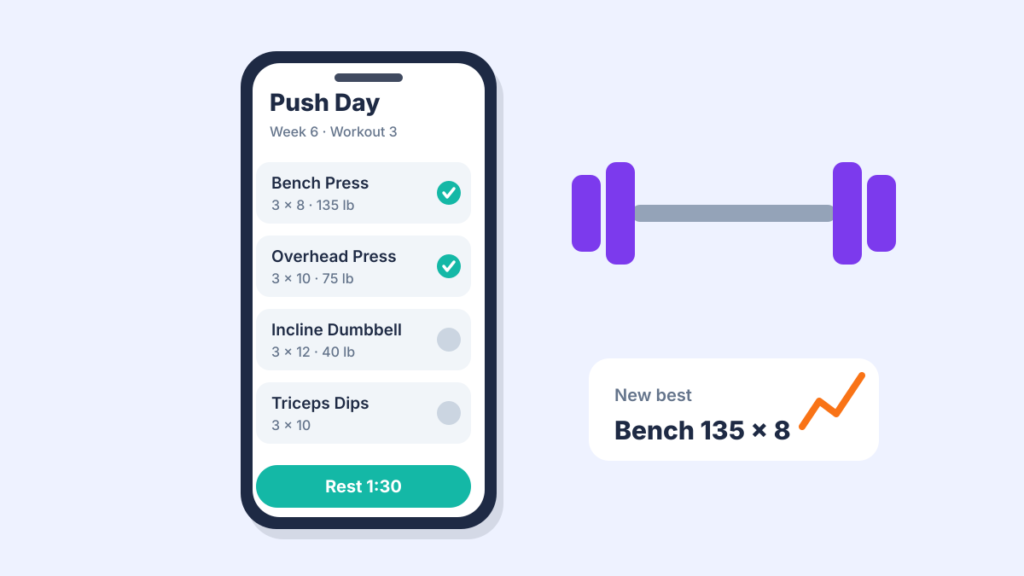
Hevy is the easiest recommendation for anyone who lifts. Its free version lets you log as many workouts as you like, with sets, reps, weight and rest timers, and it shows your previous numbers right next to each exercise so you know what to beat. It also has a social feed where you can follow friends and see their workouts, which some people find motivating and others simply ignore.
- Best for: people who plan their own workouts and want a clean log.
- Watch out for: the free plan caps you at 4 saved routines, 7 custom exercises and about 3 months of progress graphs.
- Price: free, or Hevy Pro for $2.99 a month, $23.99 a year or $74.99 for a lifetime unlock.
- Key features: rest timer, warm-up sets, supersets, a Wear OS app, and syncing to Health Connect so your workouts count in other apps.
2. Strong: best minimalist lifting log
Strong has been around for years and still feels like the fastest way to write down a workout. There’s no feed and no coaching, just a quick, reliable logbook with automatic rest timers, plate calculators and charts for each lift. It suits experienced lifters who follow their own program or a coach’s plan and want the app to stay out of the way.
- Best for: experienced lifters who want speed over extras.
- Watch out for: the free version is limited to 3 custom routines, so most regular users end up paying.
- Price: Strong PRO is listed at $4.99 a month, $29.99 a year or $99.99 for lifetime access in the US, though the store sometimes shows lower prices.
- Key features: plate calculator, one-rep max estimates, detailed charts per exercise and CSV export.
Hevy or Strong? If you don’t want to pay, start with Hevy, because its free plan is more generous. If you prefer a quiet, no-social app and don’t mind a one-time purchase, Strong is a solid choice.
3. Fitbod: best for workouts planned for you
Fitbod is different from Hevy and Strong because it builds each workout for you. It looks at the equipment you have, the muscles you trained recently and how hard you’ve been working, then suggests exercises, sets and weights for today’s session. It’s a good fit if you walk into the gym unsure what to do.
- Best for: beginners and busy people who want a plan without hiring a trainer.
- Watch out for: there’s no free version after the trial, and it’s one of the pricier apps here.
- Price: $15.99 a month or $95.99 a year for new subscribers.
- Key features: automatic workout generation, muscle recovery tracking, exercise videos and home or gym equipment profiles.
Running and cycling apps
4. Strava: best for runs, rides and community
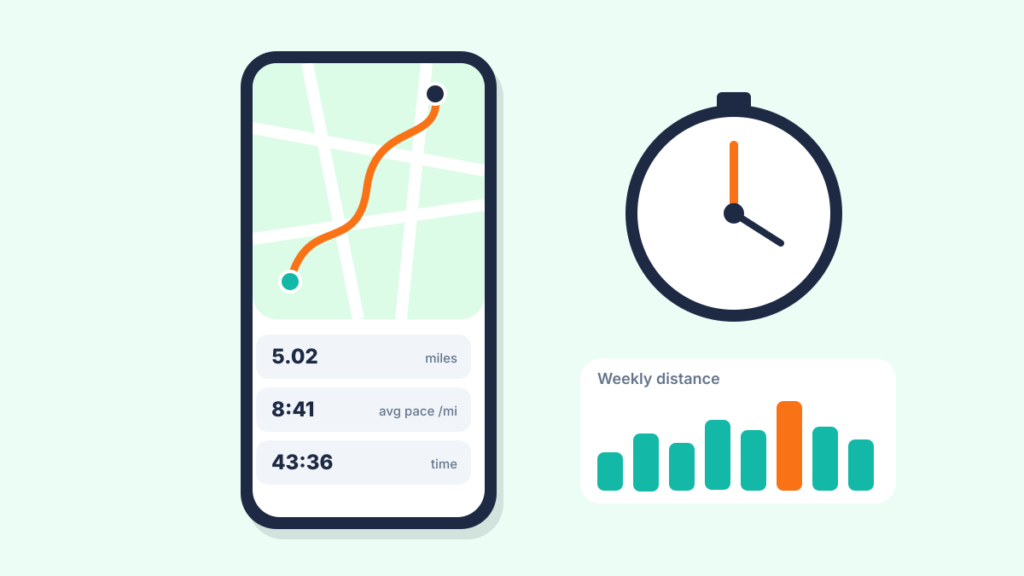
Strava is the app most runners and cyclists already use, and that’s its biggest strength. The free version records your runs, rides, walks and hikes with GPS, and lets you follow friends and give “kudos.” Paying adds route building, segment leaderboards, deeper training analysis and progress tracking. Strava also works with almost every watch brand, so it’s a good place to collect activities from different devices.
- Best for: runners and cyclists who want to share activities and compare progress.
- Watch out for: many of the most useful analysis and route features need a subscription.
- Price: free, or $11.99 a month or $79.99 a year. A Strava and Runna bundle costs $149.99 a year.
- Key features: GPS tracking, segments, clubs, challenges, route planning and Health Connect syncing.
5. Nike Run Club: best free running coach
Nike Run Club stands out because everything is free. It includes roughly 300 audio-guided runs, where a coach talks you through the run, plus several training plans that take you from your first run toward a marathon. It’s a great choice for beginners who want encouragement more than charts. Pair it with a set of wireless earbuds to get the most from guided runs; our Bluetooth earbuds pairing guide can help if yours won’t connect.
- Best for: new runners and anyone who likes being coached in their ear.
- Watch out for: it’s built only for running. Guided runs and training plans aren’t available in every country, and its analysis is basic compared with Strava.
- Price: free with a Nike membership.
- Key features: audio-guided runs, training plans, challenges, a Wear OS app and one-way syncing to Health Connect.
6. Runna: best for race training plans
Runna builds a personalized plan for a goal such as your first 5K, a faster 10K or a marathon, then adjusts it as you train. Each session gives you a target pace and distance, and Runna can send planned workouts to compatible watches such as Garmin and COROS. Fitbit users can sync finished runs back to Runna, but can’t send Runna workouts to a Fitbit. Strava now owns Runna, which is why the two apps can be bought together.
- Best for: runners training for a specific race date.
- Watch out for: it’s expensive on its own, and it’s focused on structured plans rather than casual tracking.
- Price: $19.99 a month or $119.99 a year, or bundled with Strava for $149.99 a year.
- Key features: adaptive plans, pace guidance, strength sessions for runners and watch syncing.
7. MapMyRun: best for finding running routes
MapMyRun, now owned by Outside, has a huge database of routes created by other users, which makes it handy when you’re traveling or want a new loop near home. It tracks pace, distance and elevation, and offers audio updates during your run. The free version covers the basics.
- Best for: finding and saving routes, especially in new places.
- Watch out for: the free version shows ads, and coaching and some analysis features need the paid plan.
- Price: free, or MVP for about $5.99 a month or $29.99 a year.
- Key features: route discovery, audio feedback, gear tracking for shoe mileage and live tracking with MVP.
All-in-one health apps for your watch
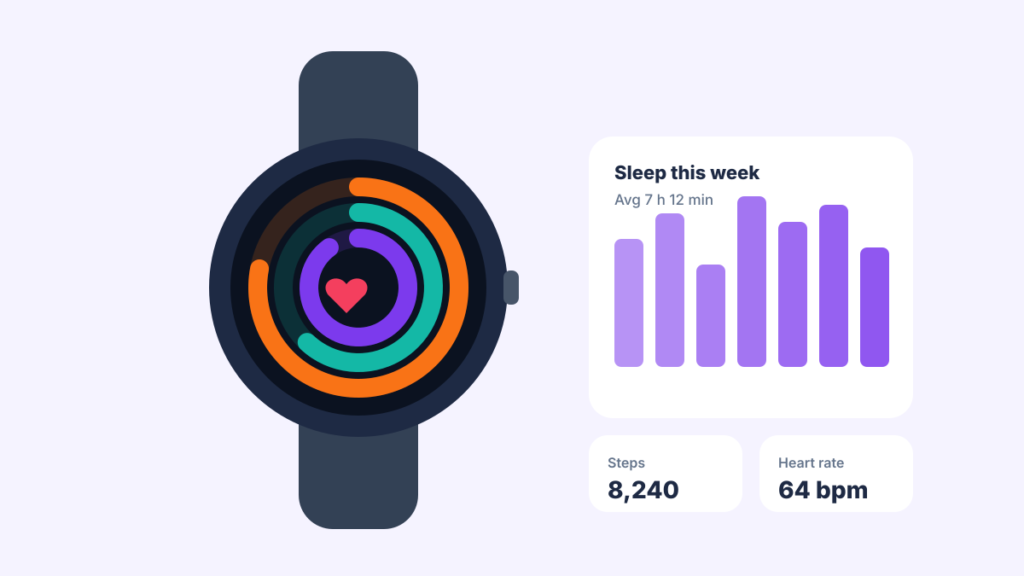
If you wear a smartwatch or fitness band, its companion app is where your steps, sleep, heart rate and workouts end up. These are usually the apps you open every day, while the apps above handle specific workouts.
8. Google Health: best for Pixel Watch and Fitbit owners
Google Health is the new name for the Fitbit app, and it’s now Google’s main fitness app. It tracks activity, sleep and heart health from Pixel Watch and Fitbit devices, and it can also pull in data from other apps through Health Connect. Google Health Premium adds the Gemini-powered Google Health Coach, which gives personalized fitness guidance and answers questions about your data. The coach is for adults with a supported Fitbit or Pixel Watch.
- Best for: Pixel Watch and Fitbit owners.
- Watch out for: the coach and deeper insights need Premium, and the redesigned app is still getting fixes.
- Price: free, or Premium for $9.99 a month or $99.99 a year. Some Google One AI Pro plans include Premium.
- Key features: activity, sleep and heart rate tracking, workout logging, Health Connect support and the optional AI coach.
9. Samsung Health: best for Galaxy phone and watch owners
Samsung Health comes preinstalled on Galaxy phones and is completely free. A major 2026 redesign organized the app into five areas: Activity, Sleep, Nutrition, Mindfulness and Vitals, with AI-powered insights such as an Energy Score. It’s at its best with a Galaxy Watch, but the app also runs on other Android phones.
- Best for: people with a Galaxy phone, Galaxy Watch or Galaxy Ring.
- Watch out for: some features require a Galaxy phone or a specific Galaxy Watch model.
- Price: free.
- Key features: step and workout tracking, sleep coaching, food logging, heart and stress tracking, and Health Connect support.
10. Garmin Connect: best for Garmin watch owners
If you own a Garmin watch, Garmin Connect is where all of its data lives, and it’s one of the most detailed health apps available. You get training load, recovery time, sleep scores, Body Battery and much more for free. The optional Connect+ subscription adds AI-based insights, a customizable performance dashboard and extra live tracking features.
- Best for: Garmin watch owners who want deep training data.
- Watch out for: it’s mainly useful if you own a Garmin device.
- Price: free, or Connect+ for $6.99 a month or $69.99 a year.
- Key features: training status, recovery advice, sleep tracking, workout plans with Garmin Coach and syncing to Strava and Health Connect.
Nutrition apps
11. MyFitnessPal: best for calorie counting
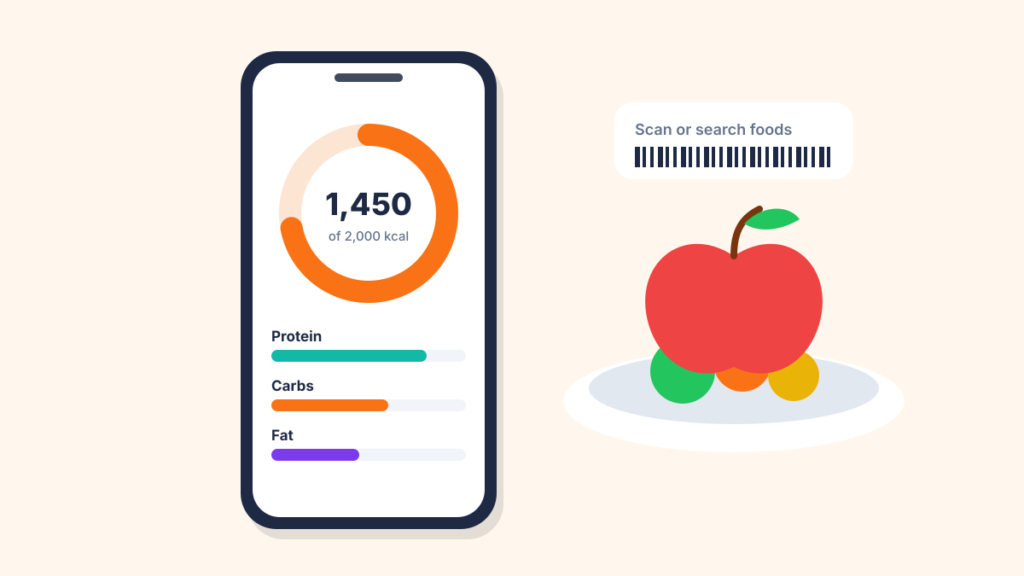
MyFitnessPal has one of the biggest food databases of any app, so most foods are easy to find. It connects with many fitness apps, so calories burned during workouts can count toward your daily goal. The catch is that the free version has become more limited over the years.
- Best for: people tracking calories to lose or gain weight.
- Watch out for: the barcode scanner, ad-free use and custom macro goals now need Premium.
- Price: free, Premium for $19.99 a month or $79.99 a year, or Premium+ for $99.99 a year.
- Key features: huge food database, recipe importer, macro tracking and wide app integrations.
12. Cronometer: best for detailed nutrition
Cronometer goes deeper than calories. It tracks vitamins, minerals and dozens of other nutrients using verified food data, which makes it popular with people who want to understand what’s actually in their diet. The free version is generous and includes a barcode scanner.
- Best for: people who care about micronutrients and accuracy.
- Watch out for: its food database is smaller than MyFitnessPal’s, and the interface is more detailed than casual users need.
- Price: free, or Gold for about $59.99 a year.
- Key features: detailed nutrient tracking, verified food entries, syncing with fitness apps and wearables, and a fasting timer with Gold.
How to build your fitness app stack
You’ll get better results from a few apps that each do one job well than from forcing one app to do everything. Here’s a simple way to choose:

- Pick a daily health app. Use the app that matches your watch: Google Health for Pixel Watch or Fitbit, Samsung Health for Galaxy Watch, Garmin Connect for Garmin. No watch? Samsung Health or Google Health both work with just your phone.
- Add one app for your main activity. Hevy or Strong if you lift, Fitbod if you want workouts planned for you, Strava or Nike Run Club if you run or ride.
- Add a nutrition app only if you need one. MyFitnessPal for calories, Cronometer for detailed nutrients.
- Connect everything through Health Connect. On Android 14 and later, open Settings > Security and privacy > Privacy controls > Health Connect (or search Settings for “Health Connect” if your phone’s menus differ), then give each app permission to read or write the data you want to share. On older Android versions, install the Health Connect app from Google Play.
If two apps record the same steps or workouts, set app priority in Health Connect so it knows which source to trust, and check each app for duplicate entries, since priority doesn’t remove duplicates everywhere.
What happened to Google Fit?
Google is retiring Google Fit. In 2026, Google renamed the Fitbit app to Google Health and said it will invite Google Fit users to move their data into the new app. The Google Fit tools that other apps used to share data are also being shut down at the end of 2026, and Health Connect has replaced them on Android. If you still use Google Fit, it’s a good time to switch to Google Health or Samsung Health and connect your other apps through Health Connect instead.
How we chose these apps
We focused on apps that are actively updated, available on Google Play in the US and well suited to a specific type of training. For each one, we compared the free and paid features, current US prices on Google Play and the developer’s own pricing pages, watch support and Health Connect support, and we checked which questions Android users ask most often about fitness apps. Prices and features change often, so we review this list regularly.
Related Android guides
Frequently asked questions
What is the best free fitness tracking app for Android?
For gym workouts, Hevy has the most generous free plan. For running, Nike Run Club is completely free and includes guided runs. Samsung Health is also free and covers steps, sleep and workouts.
What is replacing Google Fit?
Google Health, the renamed Fitbit app, is replacing Google Fit for everyday users. Health Connect replaces Google Fit’s role as the way Android apps share fitness data.
Do I need a smartwatch to track workouts?
No. Your phone can track steps, GPS runs and rides, and you can log gym workouts by hand in apps like Hevy or Strong. A watch adds heart rate and sleep tracking and gives apps more data for estimating calories, though those numbers are still estimates.
Is there a better app than MyFitnessPal?
It depends on what you need. Cronometer is better for detailed nutrients and includes a free barcode scanner, while MyFitnessPal has the larger food database.
Can I use Strava and Nike Run Club together?
Yes, but record each run in only one app, or both may log the same run. Many people run with Nike Run Club for the guided audio, then share the run to Strava for the community features.
Is Hevy Pro or Strong PRO worth paying for?
If you run into the free plan limits, yes. Both are inexpensive compared with other fitness subscriptions, and both offer a one-time lifetime option if you’d rather not pay monthly.
Are calories burned in fitness apps accurate?
They’re estimates. Apps that use heart rate from a watch are usually closer than those that guess from movement alone, but treat any calorie number as a rough guide rather than an exact count.
We last checked these apps and prices on November 20, 2026. Prices are US list prices and may differ in your region or change at checkout.