Resetting wireless earbuds clears every device they remember and rebuilds the connection between the left and right earbud. It’s the go-to fix when earbuds won’t pair, keep disconnecting or play in only one ear. The catch is that every brand uses a different button and hold time. This guide covers the steps that apply to most earbuds, then the exact method for popular brands.
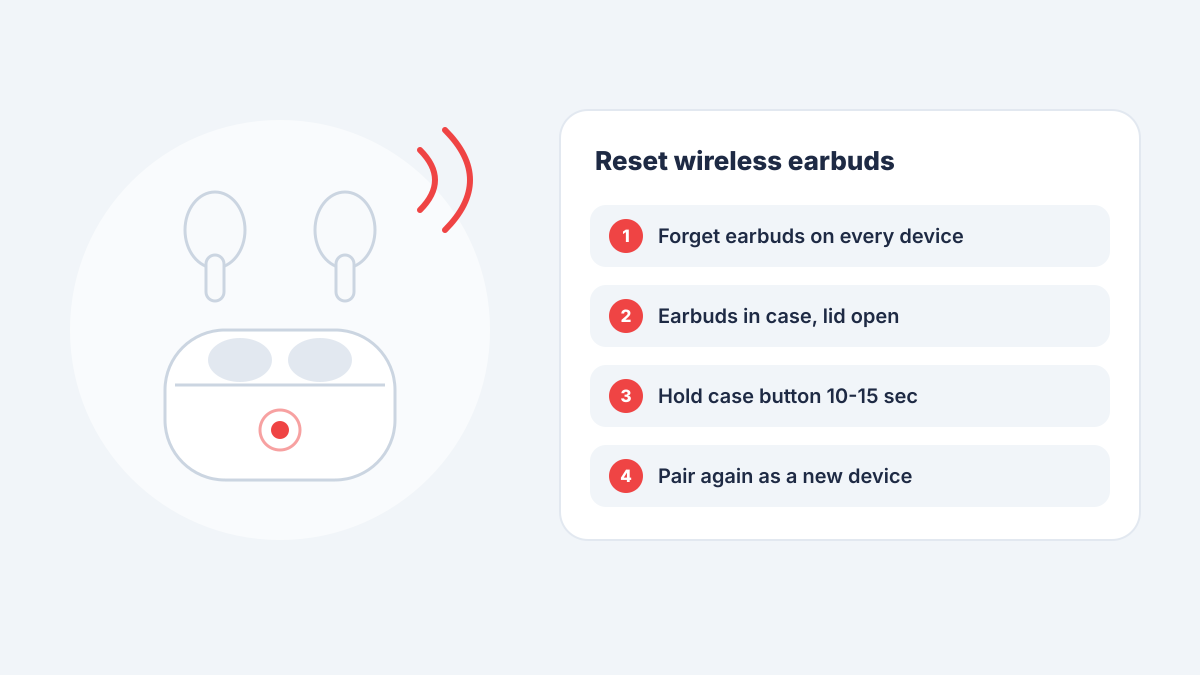
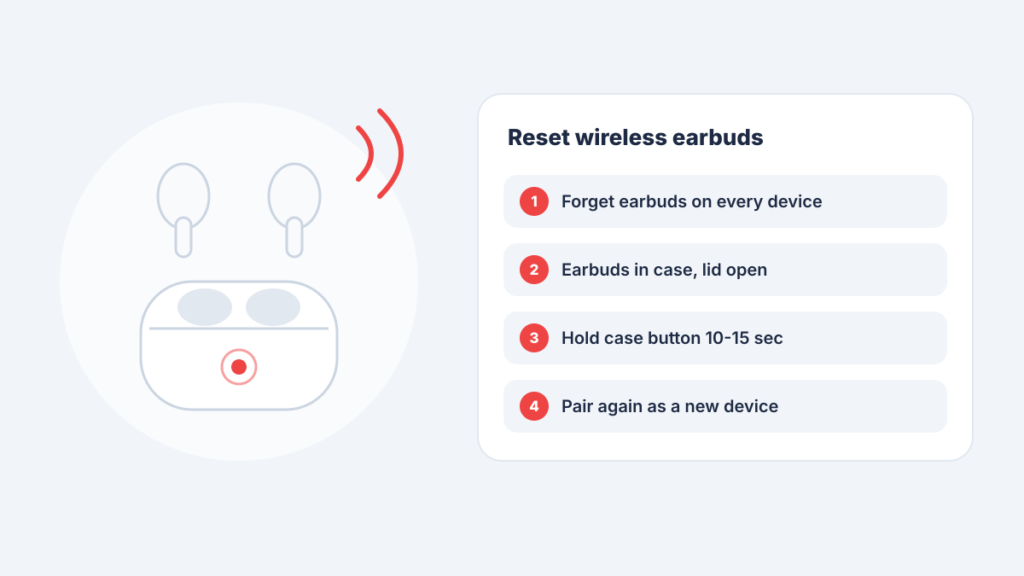
Quick answer: First, forget the earbuds in your phone’s Bluetooth settings. Then put both earbuds in the charging case with the lid open and press and hold the case button for 10 to 15 seconds, until the light flashes a different color, often red or amber. If your case has no button, follow your model’s reset steps, which may mean holding the earbud controls, tapping the case or using the brand’s app. Then pair them again as a new device.
Before you reset
- Charge everything. Put the earbuds in the case and charge the case for at least 15 minutes. A flat case often ignores the reset button.
- Forget the earbuds on every phone, tablet and computer they’ve been paired with. Delete any separate left and right entries too.
- Turn off Bluetooth on devices you’re not pairing with, so the earbuds don’t reconnect to them.
- Know what you’ll lose. A reset removes saved devices and usually returns settings such as touch controls and EQ to their defaults.
How to reset most wireless earbuds
Earbuds with a button on the case:
- Seat both earbuds in the case with the lid open.
- Press and hold the case button for 10 to 15 seconds.
- Let go when the light flashes a different color or pattern, often red or amber, then white.
- Pair the earbuds again from your device’s Bluetooth settings.
Earbuds without a case button:
- Take both earbuds out of the case.
- Turn them off by pressing and holding both earbuds until they power down.
- Press and hold both earbuds again for about 10 seconds, until the lights flash.
- Put them back in the case for a few seconds, take them out together and pair again.
Earbuds with an app: Some brands put the reset in their app, so look for a Reset option in the earbuds’ settings.
Reset steps for popular brands
| Brand | How to reset |
|---|---|
| AirPods (1st to 3rd generation, AirPods Pro, Pro 2) | Put them in the case, close the lid for 30 seconds, then open it. Forget them on your iPhone, then hold the setup button on the case for about 15 seconds until the light flashes amber, then white |
| AirPods 4 and AirPods Pro 3 | Close the lid for 30 seconds and open it. While the light is lit, double-tap the case front. Do it again once it blinks white, and once more when the blinking speeds up. Amber, then white, confirms the reset |
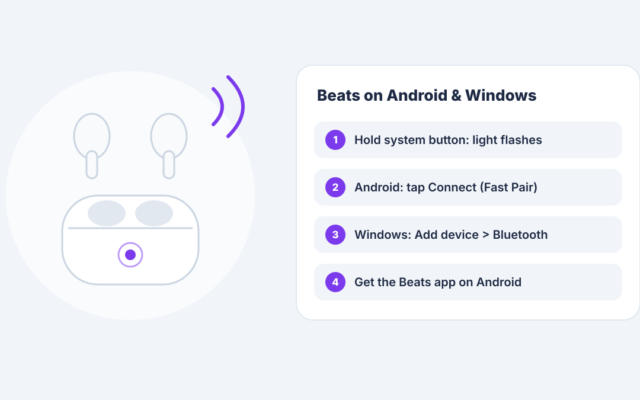
| Beats Fit Pro, Studio Buds +, Powerbeats Pro | With both earbuds in the open case, keep the system button held about 15 seconds, until the LED blinks red and white |
| Galaxy Buds | On One UI 8 or later, open Settings, tap your Buds, then Manage connections > Reset. On older software, use the Galaxy Wearable app |
| Google Pixel Buds (Pro, Pro 2, A-Series, 2a) | Plug the case into USB-C power, leave the earbuds inside with the lid open, and hold the pairing button on the back for 30 seconds. The light blinks white and orange while it resets |
| Nothing and CMF Buds | With both earbuds in the open case, hold the case button for about 10 seconds until the light blinks red three times |
| soundcore | On models with a case button, leave both earbuds in the open case and hold the button for about 10 seconds until the lights flash (the color varies). Other models reset by holding the earbud controls |
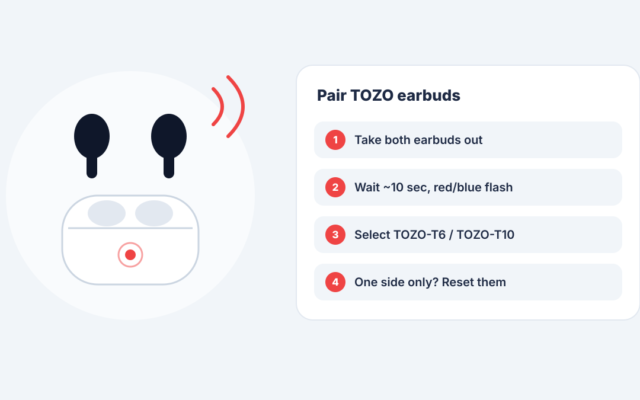
| TOZO T10 | Take both earbuds out, hold both for 5 seconds to turn them off, then hold both for 8 seconds until the blue light blinks quickly |
| Skullcandy | Steps vary by model. On Dime 3, hold both earbud buttons for 6 seconds while they’re on |
Models change, so if a step doesn’t work, check the support page for your exact model. We have detailed guides for Nothing and CMF Buds, Galaxy Buds, soundcore, Skullcandy, TOZO, Beats, JBL and OnePlus Buds.
After the reset: pair the earbuds again
- Take both earbuds out of the case together, or keep the lid open if your brand pairs from the case.
- Wait for the pairing light.
- On your phone or computer, open Bluetooth settings and select the earbuds’ main name. If your earbuds show separate entries ending in “-L” or “-R”, use the name your model’s guide tells you to pick, and accept any prompt to connect the second earbud.
- Open the brand’s app, set your preferences again and check for firmware updates.
If the reset doesn’t work
- The light never changes. Charge the case longer, then hold the button for the full time. Some resets only work while the case is plugged in.
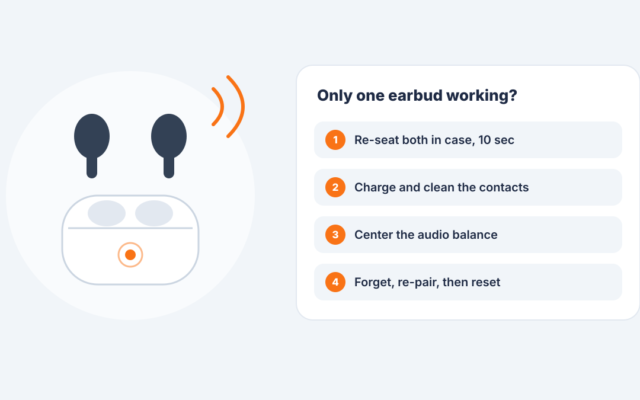
- One earbud won’t reset. Clean the charging contacts on that earbud and in the case, then make sure it sits firmly in its slot.
- They still won’t pair. Reset your phone’s Bluetooth. On a Pixel, go to Settings > System > Reset options > Reset Bluetooth & Wi-Fi. On a Samsung, go to Settings > General management > Reset > Reset Wi-Fi and Bluetooth settings (older versions call it Reset network settings). Both also forget saved Wi-Fi networks.
- Still one-sided sound. See our guide to fixing one earbud that isn’t working.
Related guides
Frequently asked questions
How do I factory reset earbuds with no button?
Follow your model’s steps. Many models reset by holding the controls on both earbuds, some by tapping the case, and some from their app.
How do I reset truly wireless earbuds?
Forget them on your devices, put them in the open case and hold the case button for 10 to 15 seconds until the light changes. Then pair them again.
Does resetting earbuds delete anything?
It removes saved Bluetooth pairings and usually resets custom settings. It doesn’t affect your phone’s music or files.
How often should I reset my earbuds?
Only when they have a problem, such as failing to pair, disconnecting or playing in one ear. There’s no need to reset them routinely.
Conclusion
Reset steps differ by model, but the pattern is the same: forget the earbuds on your devices, run your model’s reset sequence, check that it finished, then pair them again. Use the brand table for exact timings, and remember to pair them again as a new device afterward.