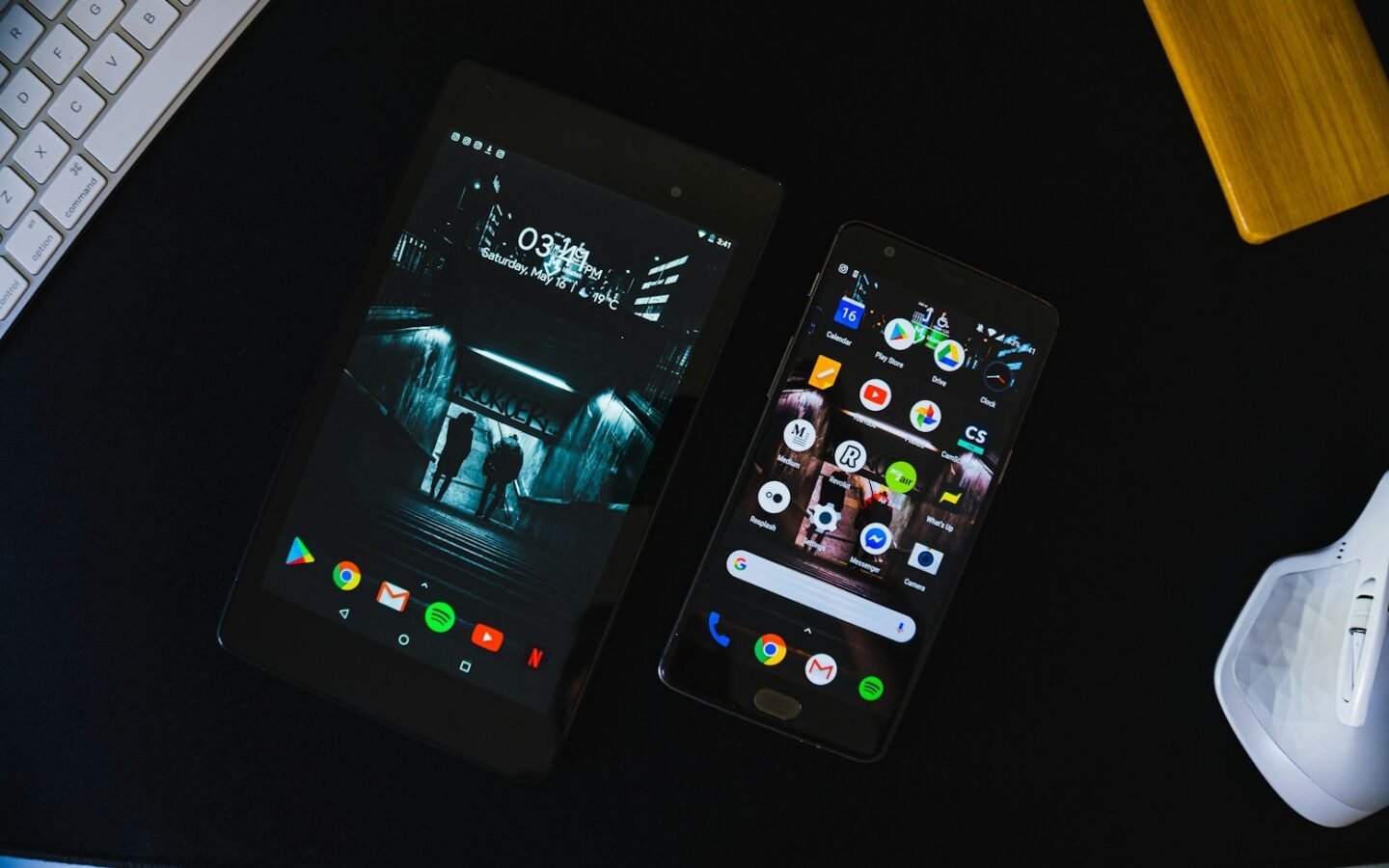
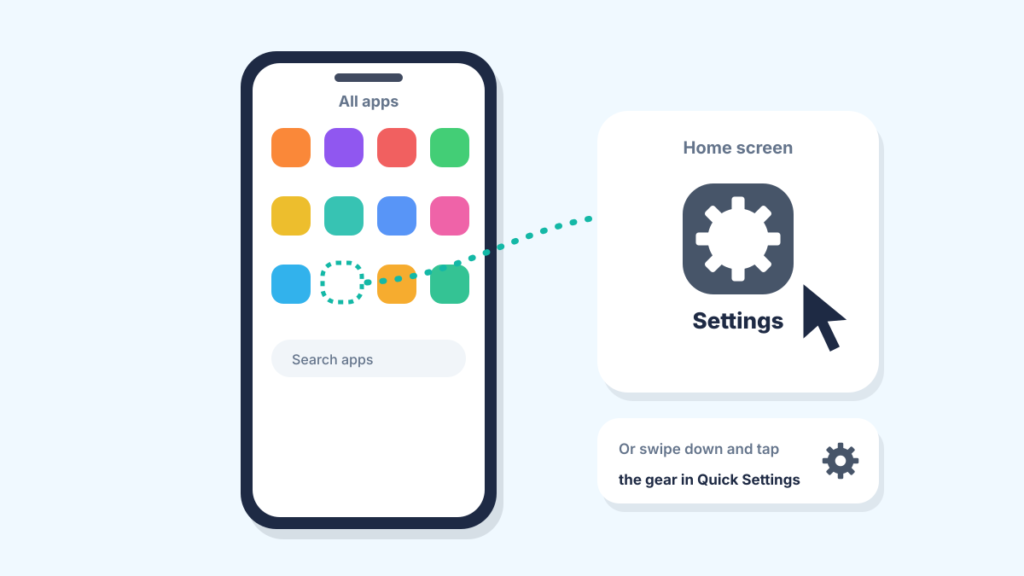
If the Settings icon disappeared from your Android home screen, the app itself is still there. Settings is a built-in system app, so it can’t be uninstalled. Swipe up from the bottom of the home screen to open the app drawer, find Settings (or type it in the search bar), then press and hold the icon and drag it back onto your home screen. If it’s missing from the app drawer too, check whether your launcher has hidden it or whether a different launcher or a restricted profile is active. You can still reach Settings through the gear icon in Quick Settings.
This guide is part of DeviceGod’s Android how-to guides.
Quick ways to open Settings right now
Use one of these while you work on getting the icon back:
- Quick Settings: swipe down from the top of the screen once or twice, then tap the gear icon.
- App drawer search: swipe up, type “Settings” in the search bar and tap the result.
- Google Assistant or Gemini: say “Open Settings.”
- Samsung Bixby: say “Open Settings” on Galaxy phones that use Bixby.
Which fix do you need?
| What you see | Likely cause | Fix |
|---|---|---|
| Settings is in the app drawer but not on the home screen | The shortcut was removed | Fix 1 |
| Settings isn’t in the app drawer either | The app is hidden | Fix 2 |
| All your icons changed or vanished | A new launcher or home screen reset | Fix 3 |
| Only a few apps show up | Kids mode, a guest user or a parental control | Fix 4 |
Fix 1: Add Settings back to the home screen
- Swipe up from the bottom of the home screen to open the app drawer.
- Find Settings, or type it in the search bar at the top.
- Press and hold the Settings icon.
- Drag it up onto your home screen and let go. On some Samsung phones, you can also tap Add to Home in the menu that appears.
Removing an icon from the home screen only removes the shortcut, so this is the fix most people need.
Fix 2: Unhide the Settings app
Samsung Galaxy:
- Open Settings from Quick Settings using the gear icon.
- Go to Home screen > Hide apps on Home and Apps screens.
- If Settings is listed under hidden apps, remove it from the list (tap the minus sign or uncheck it), then tap Done.
Other phones: some launchers on Motorola, OnePlus, Xiaomi and others also let you hide apps. Open your home screen settings, usually by pressing and holding an empty part of the home screen, and look for an option such as Hide apps or Hidden apps. Pixel phones don’t hide system apps in the standard launcher, so if Settings is missing from a Pixel’s app drawer, try Fix 3.
Fix 3: Check your launcher
A launcher is the app that draws your home screen. If you recently installed a launcher such as Nova or a theme app, it may have its own app drawer and hidden-apps list.
- Open Settings from Quick Settings.
- Go to Apps > Default apps > Home app.
- Switch back to your phone’s original launcher, such as Pixel Launcher or One UI Home, and check whether Settings appears.
If the original launcher is acting up, restarting the phone often brings missing icons back. Clearing the launcher’s cache in Settings > Apps can help too. Avoid clearing its storage unless you’re ready to rebuild your home screen layout.
Fix 4: Leave kids mode, guest mode or parental restrictions
Restricted modes show only approved apps, and Settings is often left out on purpose.
- Samsung Kids or Google Kids Space: exit the mode with the parent PIN.
- Guest or second user: swipe down twice, tap the profile icon and switch back to the owner.
- Family Link or work profile: a parent or IT administrator can block some settings. Ask them to check the controls.
Fix 5: Restart or use safe mode
Restart the phone first. If the icon is still missing, boot into safe mode, which turns off downloaded apps temporarily. If Settings appears in safe mode, a third-party app, often a launcher or cleaner, is hiding it. Restart normally and remove recently installed apps one at a time.
Can you accidentally delete the Settings app?
No. Android doesn’t allow Settings to be uninstalled or disabled through normal menus, because the phone needs it to work. If someone used advanced tools like ADB to disable it for your user profile, re-enabling the package through ADB usually brings it back. Treat a factory reset as the last resort, and back up your phone before going that far.
Related Android guides
- How to remove an app icon from the Android home screen
- How to get your original home screen back
- How to get rid of a black background on Android
Frequently asked questions
Why can’t I find Settings on my Android phone?
The icon was probably removed from the home screen or hidden. Search the app drawer for “Settings,” or tap the gear in Quick Settings to open it.
How do I display the Settings icon on my home screen?
Open the app drawer, press and hold Settings, and drag it onto the home screen.
How do I restore my Android phone settings?
To get the icon back, follow the fixes above. To reset settings themselves, go to Settings > System > Reset options. Choose a specific reset, such as network or app preferences, rather than a factory reset, unless you mean to erase the phone.
Can I add a shortcut to a specific setting, like Wi-Fi?
Many Android phones let you press and hold the Settings icon to see shortcuts to common pages. You can also edit Quick Settings to add toggles for Wi-Fi, Bluetooth and more.
We last checked these steps on November 20, 2026, on standard Android and Samsung One UI. Menu names vary by phone maker and Android version, so use the search bar in Settings if a step looks different.