Most soundcore earbuds jump into pairing mode the first time you open the case, but adding a second device, or reconnecting after a reset, takes a button press that many people miss. Here’s how to put soundcore earbuds in pairing mode, connect them to a phone or computer, and fix them when they won’t show up.
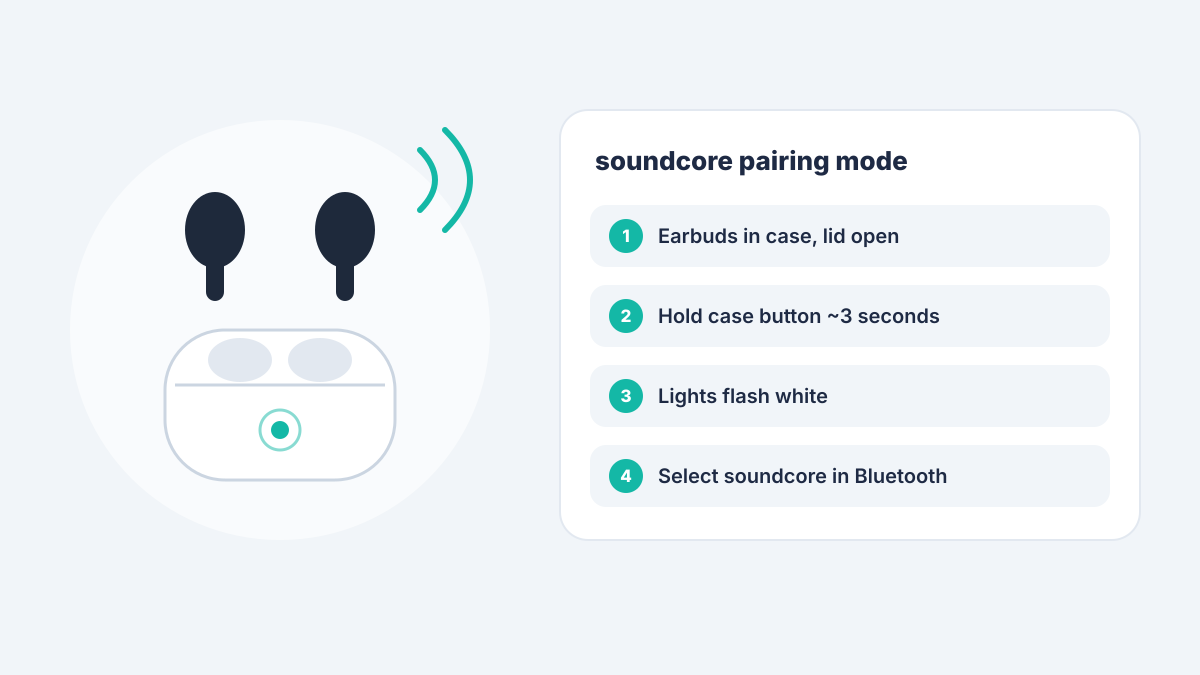
Quick answer: Seat both earbuds in the charging case with the lid open. Press and hold the button on the case for about 3 seconds, until the lights flash white. On models without a case button, wear the earbuds and touch and hold both of them for about 3 seconds. Then select the earbuds in your device’s Bluetooth list.
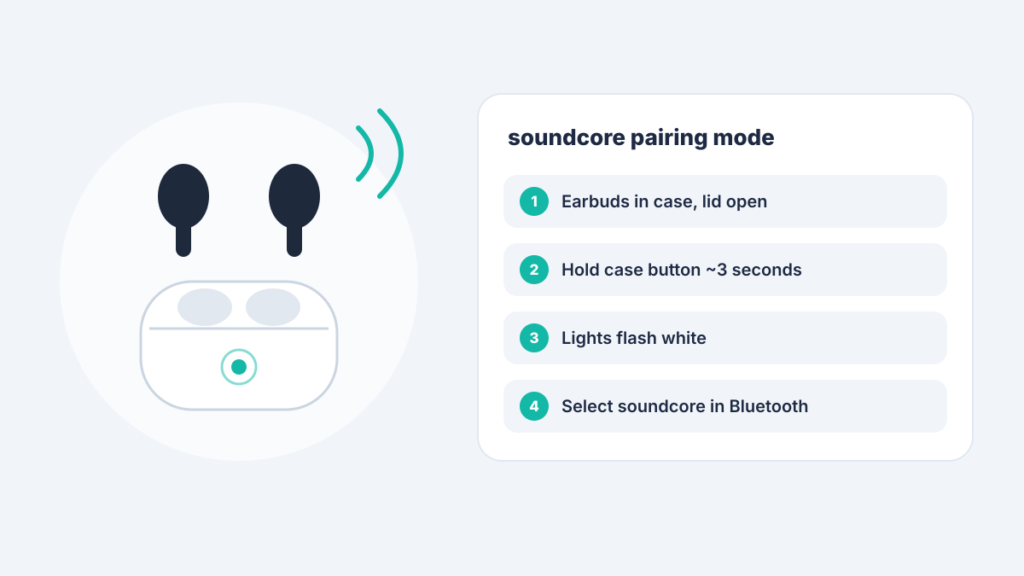
How pairing mode works on soundcore earbuds
- First time: New soundcore earbuds enter pairing mode automatically when you open the case or take them out.
- After that: They reconnect to the last device instead, so you need to start pairing mode yourself to add a new phone or computer.
- Dual connection: Many recent models, such as the Liberty and Space series, can stay connected to two devices at once. You still pair each device separately.
Put soundcore earbuds in pairing mode
Before you pair a new set for the first time, peel off any protective stickers covering the charging contacts.
Models with a button on the case (such as Liberty 4 NC, Space A40 and Life P3):
- Place both earbuds in the case.
- Keep the lid open.
- Press and hold the case button for about 3 seconds, until the LEDs flash white quickly.
Models without a case button:
- Take the earbuds out of the case and put them in your ears.
- Touch and hold the touch area (or press and hold the button) on both earbuds together for roughly 3 seconds.
- Listen for a tone or watch for a flashing white light.
Open-ear models such as AeroFit and AeroFit Pro: Place both earbuds in the case and hold the case button for about 3 seconds to start pairing manually.
Not sure which method your model uses? The model number is printed inside the case or on the box. The soundcore app also shows it once connected.
Pair with a phone
- Put the earbuds in pairing mode.
- Open Bluetooth settings:
• Android: Settings > Connected devices > Pair new device (on Samsung, Settings > Connections > Bluetooth).
• iPhone: Settings > Bluetooth. - Tap the earbuds when they appear. The name usually starts with “soundcore”.
- Install the free soundcore app for controls, EQ, firmware updates and the dual connection setting.
Pair with a Windows PC or Mac
Windows 11: Open Settings > Bluetooth & devices > Add device > Bluetooth, put the earbuds in pairing mode and select them.
Windows 10: Open Settings > Devices > Bluetooth & other devices > Add Bluetooth or other device > Bluetooth.
Mac: Open System Settings > Bluetooth and click Connect next to the earbuds.
After connecting, set the earbuds as the sound output if audio still plays through the speakers.
Connect soundcore earbuds to two devices
- Pair the earbuds with your phone.
- If your model supports multipoint, open its settings in the soundcore app and turn on Dual Connections.
- Tap Connect New Device if the app shows it, or put the earbuds back in pairing mode with the case button.
- Pair the second device from its Bluetooth settings.
soundcore earbuds won’t pair? Try this
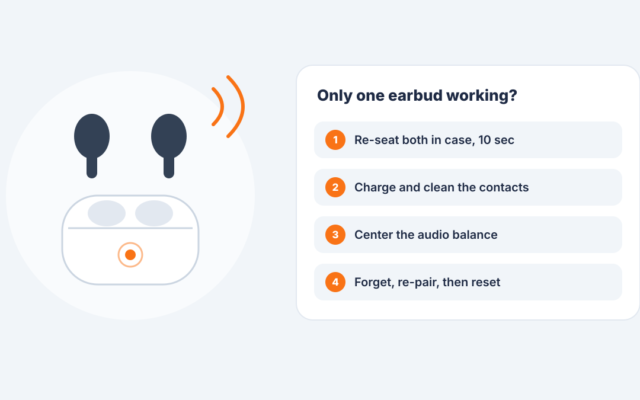
- Charge both earbuds and the case. An earbud with a drained battery may not connect to the other one.
- Forget the old pairing on your device, then pair from scratch.
- Turn off Bluetooth on other devices that the earbuds have used before.
- Close the case for a few seconds, then open it and start pairing mode again.
- Update the firmware in the soundcore app.
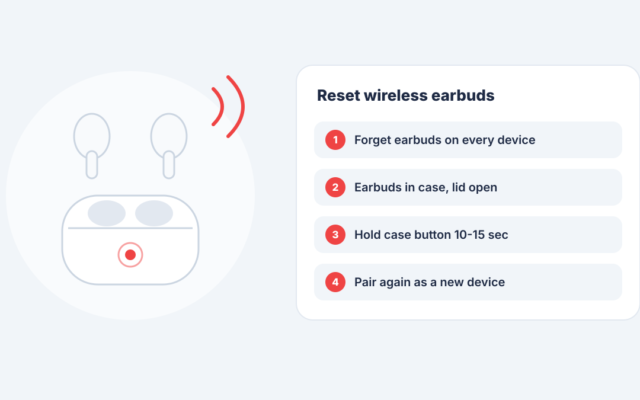
- Reset them. With both earbuds in the open case, press and hold the case button for about 10 seconds, until the lights flash to confirm (the color differs by model). Models without a case button reset by holding the touch controls on both earbuds instead, so check your quick guide if nothing happens.
After a reset, delete the earbuds from every device and pair again. Our guide on how to reset wireless earbuds covers other brands too.
Related guides
- How to pair Bluetooth earbuds with any phone or computer
- Only one earbud working? How to fix it
- Bluetooth not working on Windows 11
Frequently asked questions
How do I manually put soundcore earbuds in pairing mode?
Put them in the open case and hold the case button for about 3 seconds until the lights flash white. On models without a case button, wear them and hold both earbuds for about 3 seconds.
How do I pair two soundcore earbuds together?
They pair with each other automatically when you take them out of the case. If only one connects, put both back in the case, close it for a few seconds and try again. If that fails, reset the earbuds.
Do I need the soundcore app?
No. You can pair through Bluetooth settings alone. The app adds controls, EQ, firmware updates and dual connection.
Why don’t my soundcore earbuds show up in Bluetooth?
They’re usually still connected to another device or not in pairing mode. Turn off Bluetooth on the other device and start pairing mode with the case button or the earbud controls, depending on your model.
Conclusion
On most soundcore earbuds, the case button is the key: hold it for about 3 seconds to pair a new device, and for about 10 seconds to reset. Check your model’s method once, and pairing a new phone or laptop takes less than a minute.